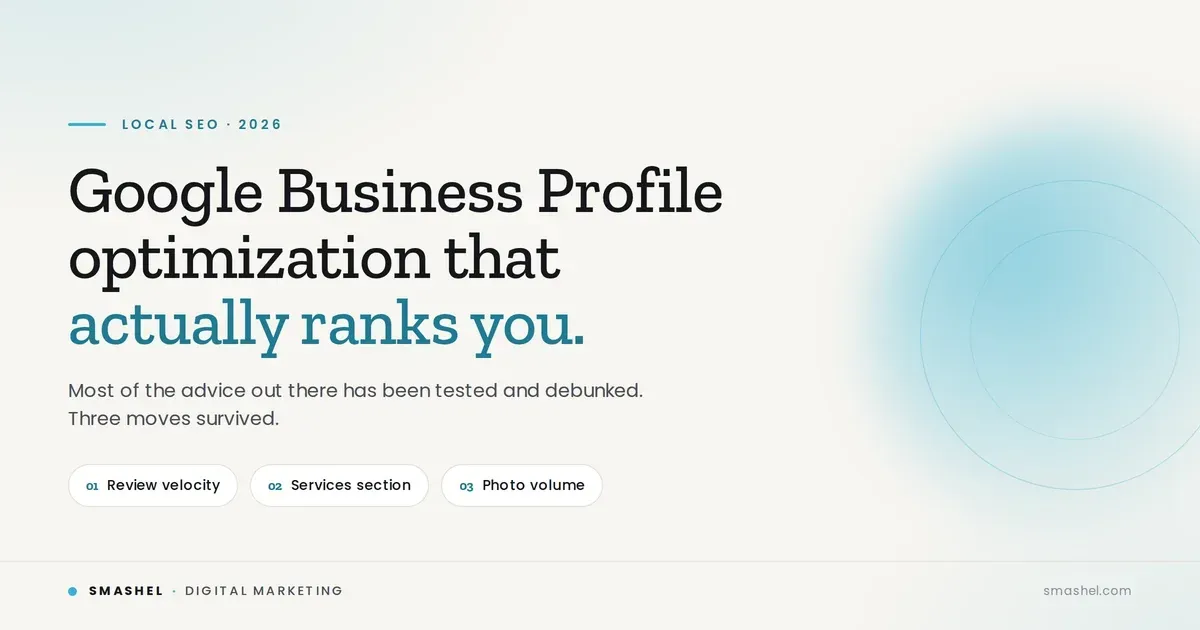
How to Rank Your Business on Google Maps in 2026

Albert Quintero • July 5, 2026

If you searched for how to rank your business on Google Maps, you already know customers are looking for you. You're just not showing up in the local 3-pack when they search.

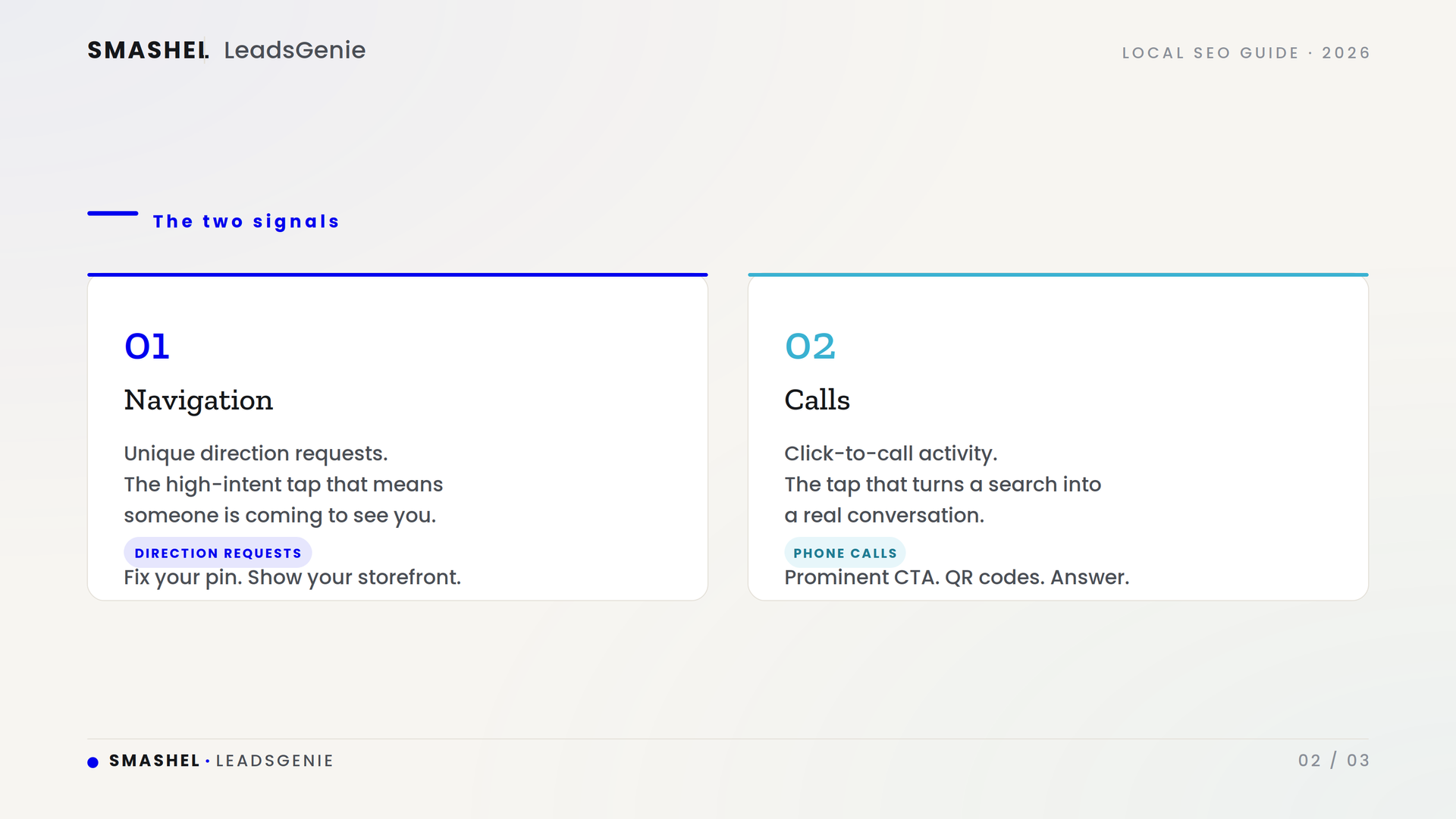
Most advice hands you a giant checklist and never tells you what actually matters. So here's the shortcut. The two signals that turn a Google Business Profile into real customers are navigation and calls. Google measures both, they're close to impossible to fake, and they're the actions that put money in your pocket. Nail those, and you're playing a different game than the businesses just filling out fields.

This guide walks through the full play, starting with those two signals, then the profile, review, and website work that feeds them. Everything here is based on 2026 local search data and controlled testing, not guesswork.

The Two Signals That Actually Matter: Navigation and Calls

Google looks at a lot of factors, but there's a reason I zero in on two: direction requests (navigation) and phone calls. These are high-intent engagement signals. When someone taps for directions or hits call, they're not browsing, they're coming to see you or picking up the phone.

Here's why they carry so much weight. They're nearly impossible to fake, which makes them a trust signal Google leans on. The exact ranking weight is debated among experts, but that misses the point: these are the actions that convert a ranking into a paying customer. Rank without them and you have visibility that doesn't pay. Drive them, and you stack the signals Google trusts most while filling your calendar.

Navigation (direction requests)

Google counts unique direction requests, so the same person tapping twice does not double-count. That means you need more real people asking how to get to you. To make that happen:

  • Fix your map pin. An off-pin location quietly kills this metric. Confirm the pin sits exactly on your front door, not the parking lot or the building next door.
  • Upload exterior photos. People request directions when they recognize the place they are heading to. Show them your storefront.
  • Add a "Get Directions" button on your mobile site that opens the Maps app directly.

Photos do heavy lifting here. Profiles with strong photo libraries pull far more direction requests, and businesses with 100 or more photos see thousands of percent more than the average listing.

Calls

Google tracks click-to-call activity, not completed calls, and the dashboard undercounts real volume. So do not panic when the number looks low. What matters is driving more taps on that call button. To do it:

  • Put a prominent click-to-call button on your landing page, not buried in a contact form.
  • Add scan-to-call QR codes to your vehicles, signage, receipts, and packaging so people can call in one tap.
  • Actually answer the phone. Google's ad systems now score how calls get handled, and a missed call is a missed customer either way.

The one thing not to do

Skip any service that promises to "boost engagement" for you. Google's 2026 detection catches device clustering and repeated IP patterns, and the penalty is suspension, not a warning. Drive real people, not bots.

Where the Two Signals Fit in Google's System

Every Google Maps ranking factor rolls up into three pillars:

  • Relevance: does your profile match what the searcher typed?
  • Distance: how close are you to the searcher? This is the single heaviest input.
  • Prominence: how trusted and engaged is your business compared to competitors?

Navigation and calls live in that third pillar, prominence, alongside reviews and links. You cannot move your building to fix distance, but you can absolutely stack prominence. The rest of this guide is the profile and website work that feeds those two signals and earns the rankings.

This is the text area for this paragraph.To change it, simply click and start typing. Once you've added your content, you can customize its design by using different colors, fonts, font sizes and bullets. Just highlight the words you want to design and choose from the various options in the text editing bar.

Choose the Right Primary Category

Your primary category is the biggest profile-level ranking factor, and getting it wrong is one of the top reasons businesses underperform in the map pack.

Pick the narrowest accurate option available. "Personal Injury Attorney" will outperform "Law Firm" every time, because Google reads the narrow category as a stronger relevance signal. From there, add roughly four secondary categories that genuinely apply.

Not sure what to pick? Use a tool like the GMB Everywhere Chrome extension to see which categories the top-ranking competitors in your area use, then match the pattern with whatever fits your business honestly.

Optimize Your Google Business Profile

Eight of the top ten local-pack factors come straight from the profile, so this is where your leverage lives.

Business name

Your name has to match your real-world signage. But if your actual name includes your service or city, that helps you rank. "Big Mike's Denver Lawn Care" carries more weight than "Big Mike's" alone. Stuffing keywords into a name that does not match your signage is a different story, and in 2026 it is a suspension trigger, not a shortcut.

Location

Google rarely shows businesses outside the target city limits, so your address needs to sit inside the city you want to rank in. No location there? A staffed co-working space or virtual office in the city solves it, as long as it is staffed during business hours.

Description and services

Write your description for humans. Google has confirmed it is not a ranking factor, so use it to clearly state who you are, what you do, and where you operate. Then be selective with services: pick the ones that genuinely fit instead of stuffing every option.

Hours and verification

"Open at time of search" is now a top-five factor, and visibility measurably drops in a business's final open hour. Opening even an hour before competitors can win you that early window. Verification is effectively mandatory now, with video verification the default for new listings, and verified profiles earn more calls and direction requests than unverified ones.

Build a Review Engine

Reviews are the fastest-rising ranking category, and recency now matters as much as volume.

  • Ask consistently. A direct text or email review link converts far better than a verbal ask.
  • Go for velocity. Five to ten fresh reviews a week, sustained, beats a pile of old ones.
  • Respond to everything within 24 to 48 hours, positive and negative, to show you are active.
  • Protect your star average. A big share of consumers skip businesses under 4.5 stars.

One compliance note: Google updated its review policy in 2026 to ban directing staff to request a specific number of reviews or reviews that name specific staff members. Coaching keywords into reviews does not help rankings anyway, so there is no reason to risk it.

Optimize Your Website and Landing Page

Your site rounds out the picture and increasingly feeds the AI tools people now use for local recommendations.

  • Add LocalBusiness schema (JSON-LD) with your name, address, phone, and the most specific business subtype.
  • Keep your NAP consistent. Name, address, and phone should match your Google Business Profile exactly, as plain text, above the fold and in the footer.
  • Build one strong page per location or service, not templated pages that just swap the city name. Recent Google updates specifically target thin, duplicated pages.
  • Embed a Google Map on the page and keep it fast on mobile.

Build Local Backlinks and Citations

A link from a chamber of commerce, a local news outlet, or an event partner outperforms a stack of generic directory links. For citations, ten authoritative listings beat fifty weak ones, and appearing on relevant "best-of" lists is one of the strongest citation signals available. Link out to local partners too, to show you are part of the community.

Mistakes That Quietly Kill Your Rankings

  • The wrong primary category
  • A keyword-stuffed business name that does not match your signage
  • An address outside the city you are targeting
  • Inconsistent name, address, or phone across the web
  • Frequent, drastic profile edits, which can trigger a re-review
  • A dormant profile with no fresh photos or activity

How to Apply This This Week

If you only have an hour, do these first:

  1. Fix your map pin so it sits exactly on your front door, then upload current exterior photos.
  2. Add a click-to-call button and a "Get Directions" button to your mobile site.
  3. Confirm your primary category is the narrowest accurate match, and check what top competitors use.
  4. Send five recent customers a direct review request link today.
  5. Check your NAP matches exactly across your website, profile, and top directories.

The first two drive your two signals directly. The rest feed them.

Frequently Asked Questions

  • What are the two most important signals for ranking on Google Maps?

    Navigation (direction requests) and phone calls. They are high-intent engagement actions Google measures, they are nearly impossible to fake, and they are the ones that turn a ranking into an actual customer.

  • How do I get more direction requests on Google Maps?

    Fix your map pin so it sits exactly on your location, upload clear exterior photos so people recognize the place, and add a "Get Directions" button to your mobile site that opens the Maps app.

  • Why do my Google Business Profile calls look so low?

    Google tracks click-to-call taps, not completed calls, and the dashboard undercounts real volume. A low number does not mean no one is calling, so focus on driving more taps rather than obsessing over the count.

  • Title or How long does it take to rank on Google Maps?

    Most businesses see movement within four to eight weeks of consistent work. Behavioral signals and review velocity tend to show impact fastest.

  • Do Google Business Profile posts help me rank?

    Testing found no direct ranking lift from posts. They help engagement once someone finds you, but they will not move your position in the map pack.

Start With Your Two Signals

The strategy is here, but seeing the two signals live inside a real Google Business Profile makes it click. Watch the full video above for the screen-share walkthrough, then start with your pin and photos this week. That is the fastest way to move the needle.

SEO vs AEO vs GEO Explained
By Albert Quintero June 14, 2026
AI SEO means showing up across SEO, AEO, and GEO, not just Google rankings. See how the three work and how to get found as search shifts to AI.
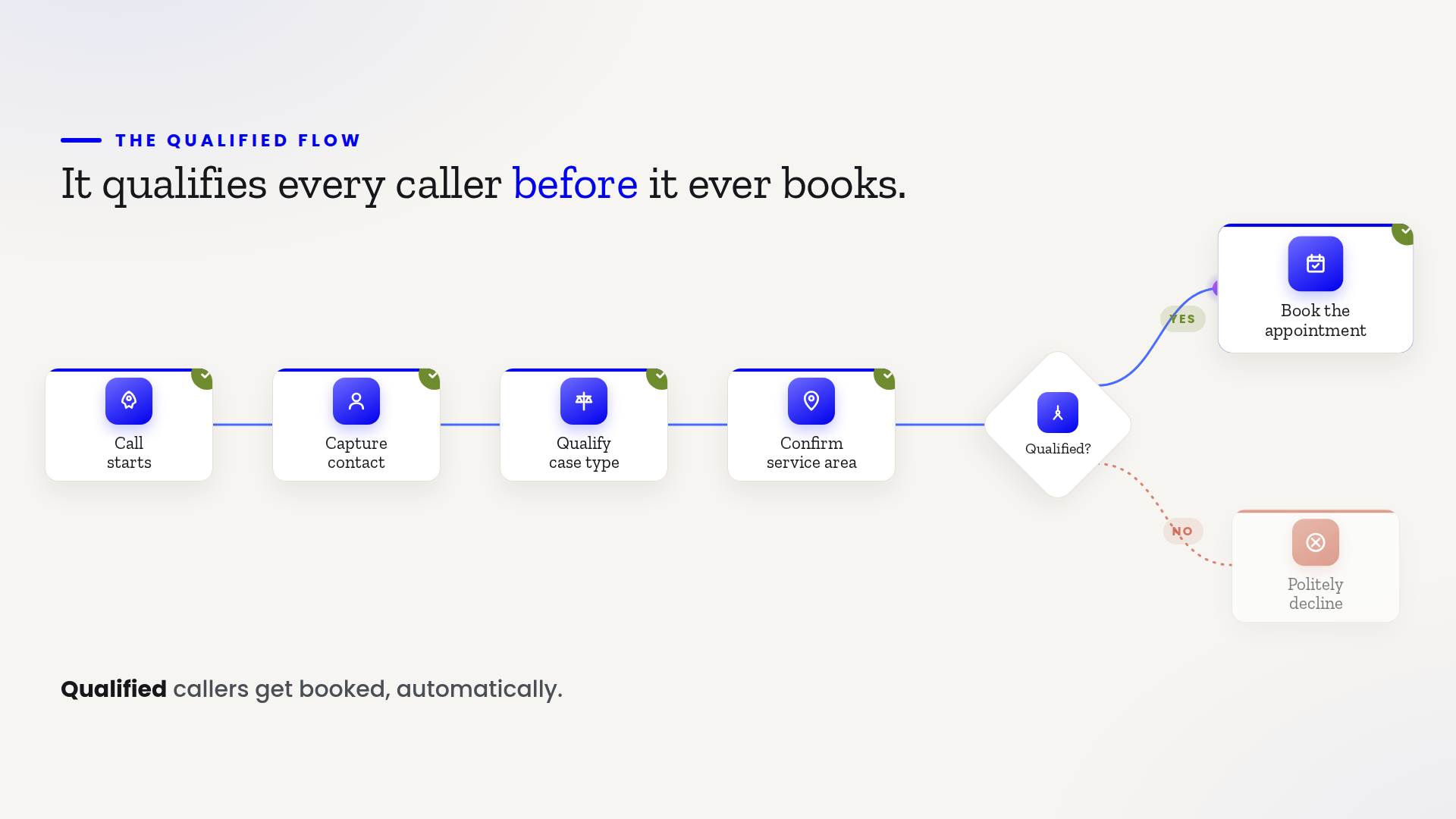
 book)How a flow-based AI receptionist is built
By Albert Quintero June 11, 2026
An AI receptionist for a law firm can book cases 24/7 or create liability. Here's how flow-based agents answer every call and only ever say what's true.
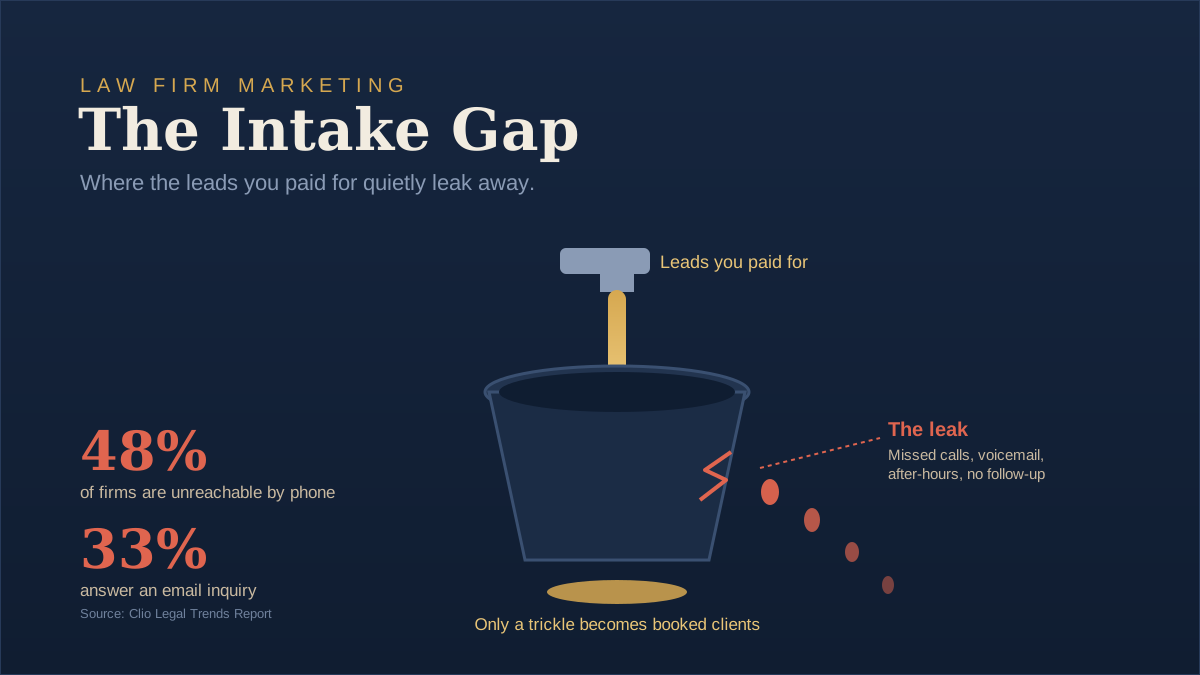
Law firm marketing funnel showing paid leads leaking out through the intake gap
By Albert Quintero June 6, 2026
Most law firm marketing fails at intake, not leads. See how the Intake Gap quietly loses clients and the simple AI fix that catches every call.
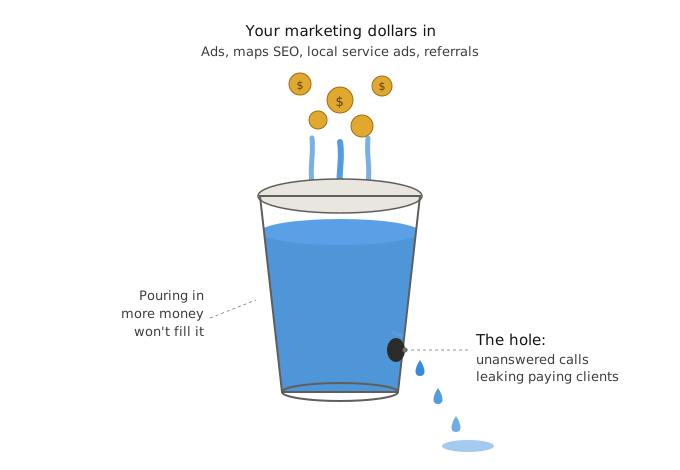
Diagram of how to stop missing calls in a business with an after-hours AI receptionist workflow
IMAG
By Albert Quintero May 31, 2026
Stop missing calls in your business and losing paying clients. See how AI receptionists answer every call 24/7 and book leads automatically.